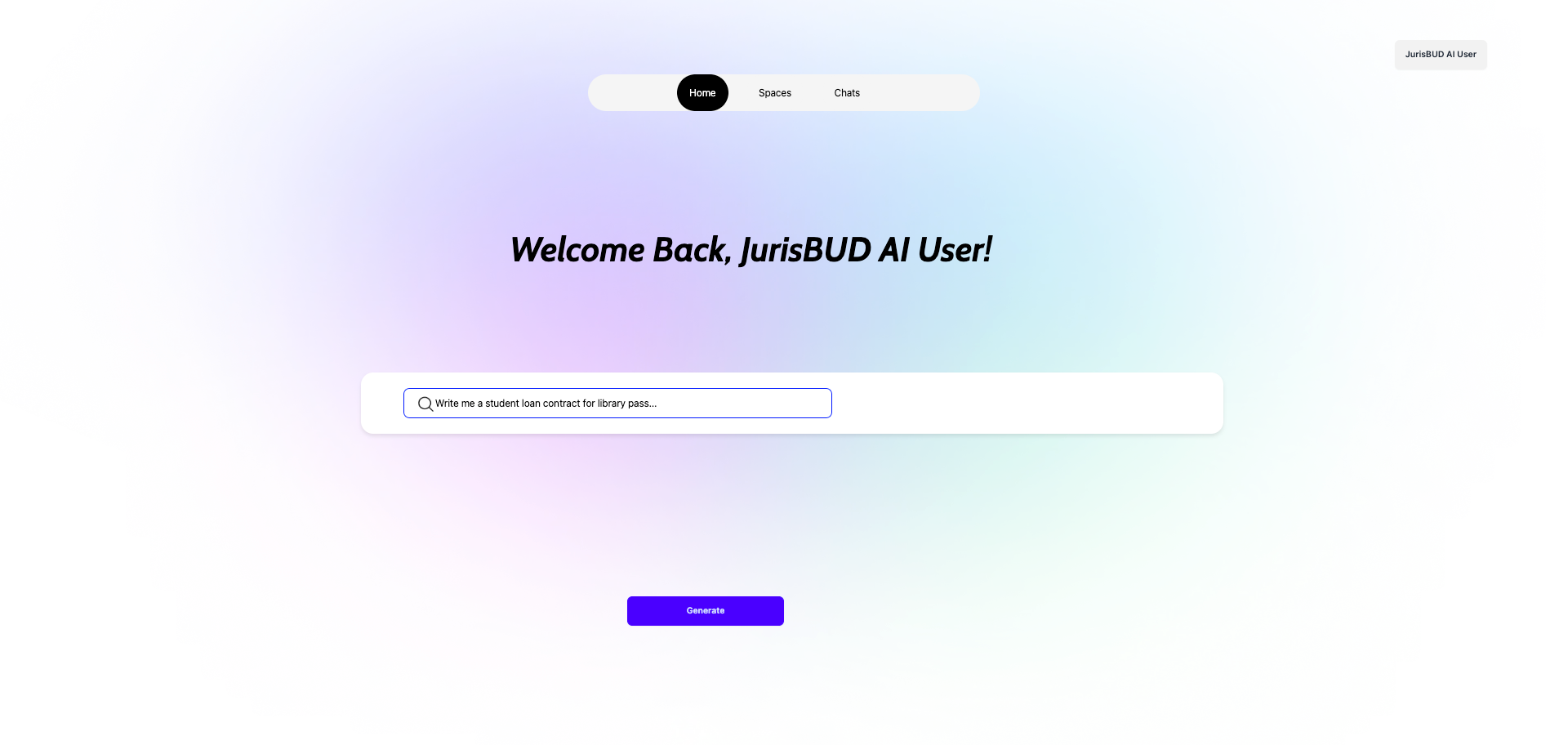
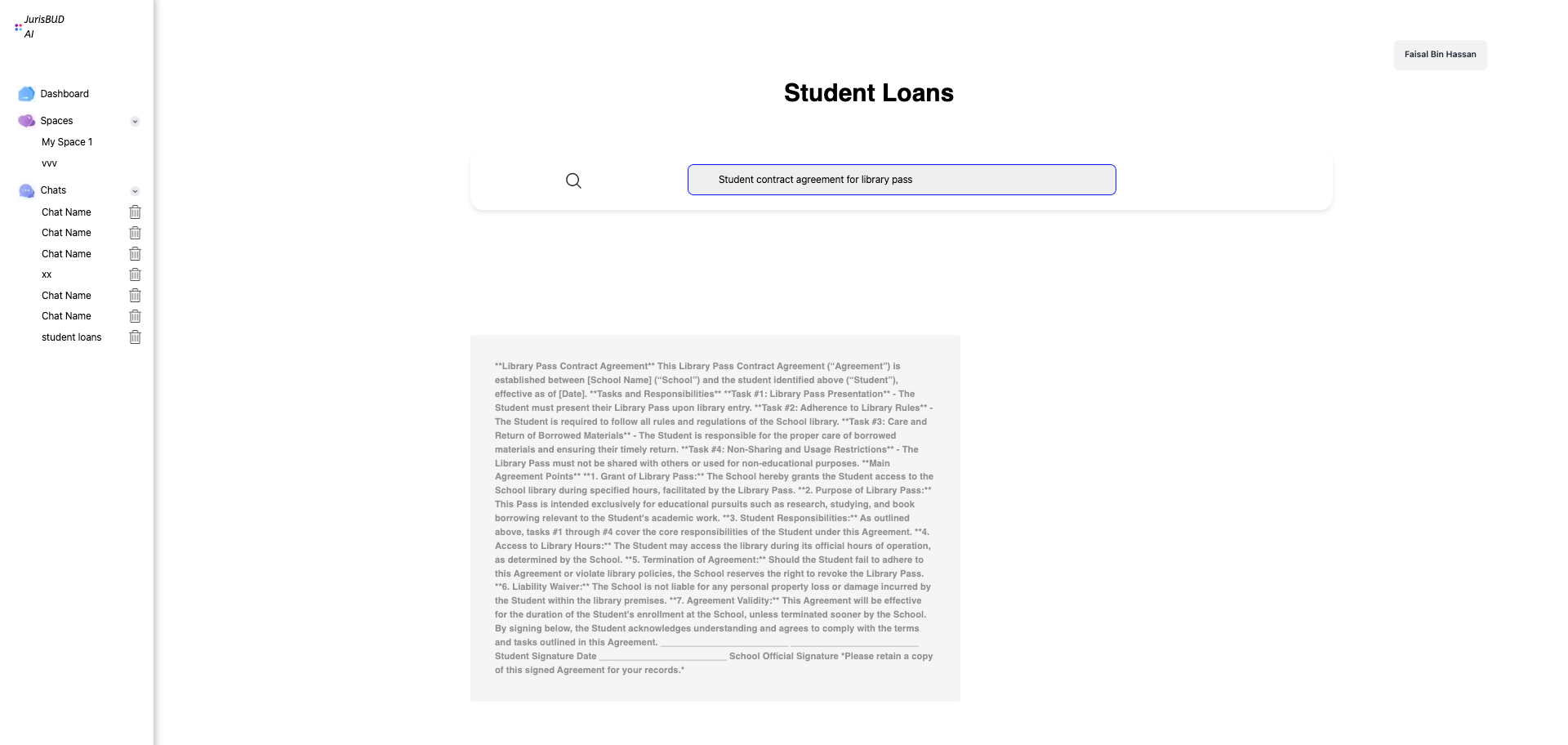
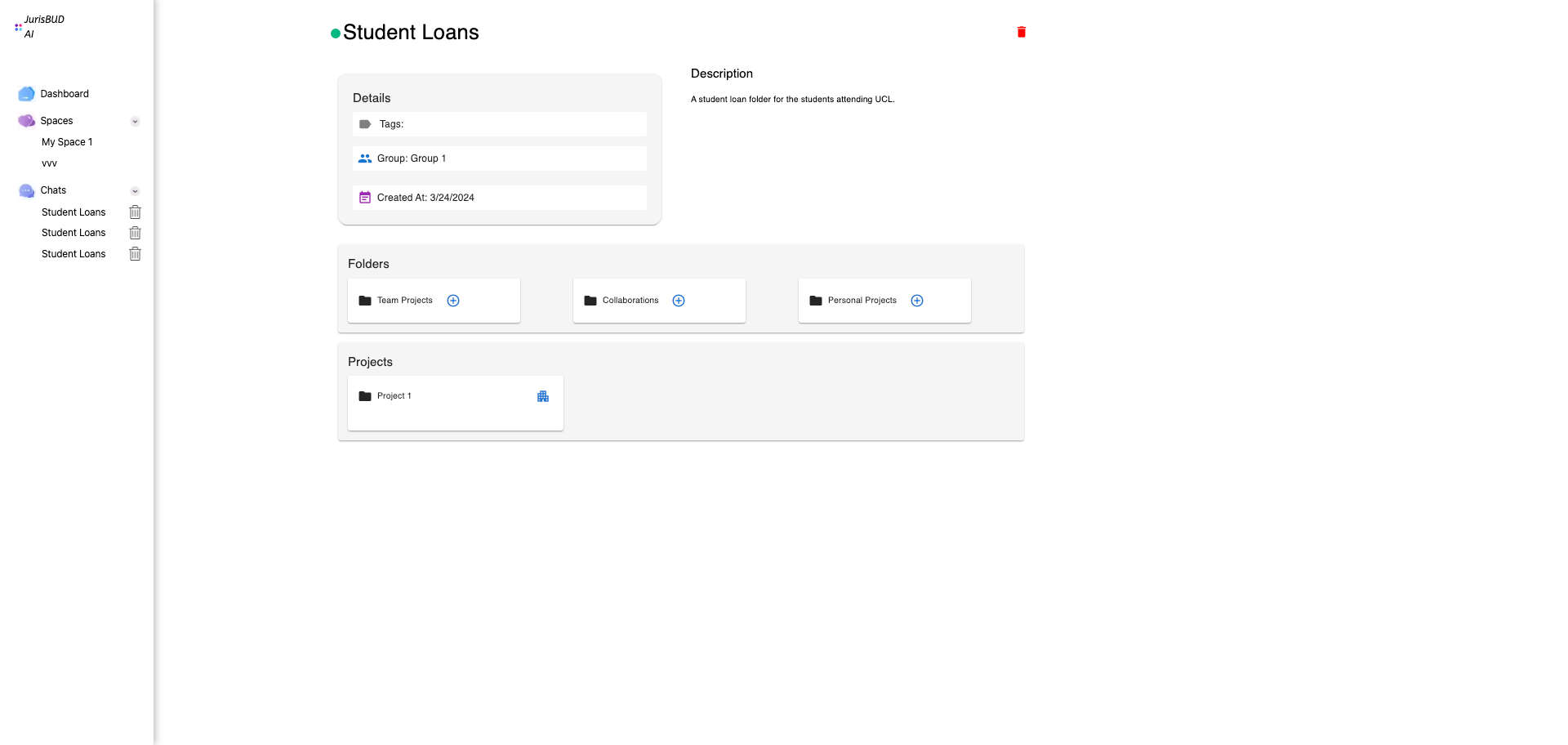
Users can interact with JuridsBUD AI on the localhost:3000 after getting the application from docker container.
The source code can be found in our github repo
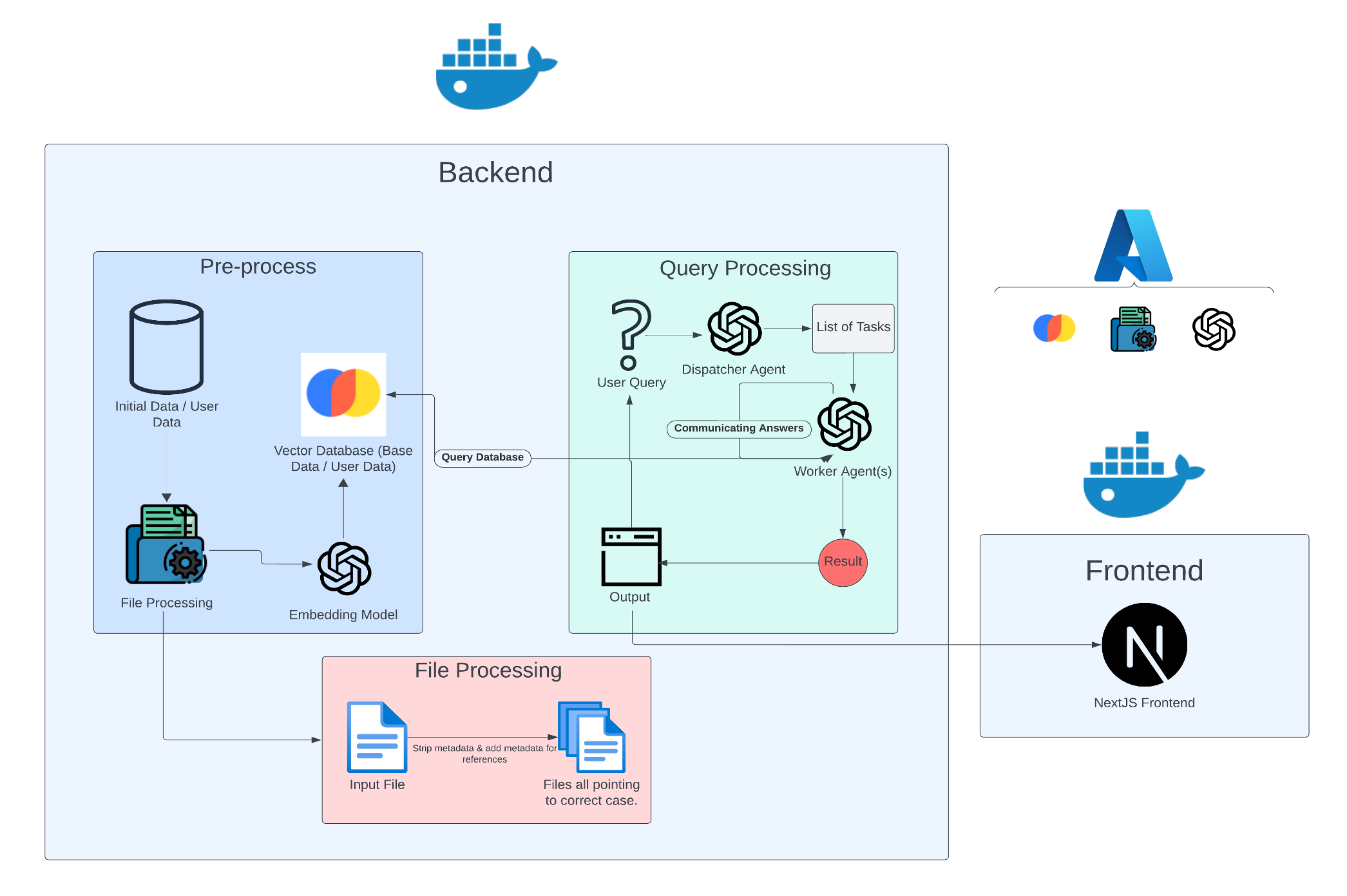
Below is the dialog flow diagram for JurisBUD AI:
.png)
Project Title: How to use MS 365 and AI to extract better insights in Legal Knowledge Management Team Member: Zhaoqi Chen, Darius Chitoroaga, Faisal Hassan
With the rapid development of Artificial Intelligence, the trend leaded by OpenAI brings the public to be more willing to work with AI.
However, it is unusual to have an AI assistant that is specifically designed for the legal industry.
This is where JurisBUD AI comes in.
By using the latest concept of AI agents, JuridsBUD AI can help legal professionals to solve problems that they might face in their
Day-to-Day work.
Instead of working alone till midnight, searching online and reading 1000 pages of documents, you can now just ask JurisBUD AI
and a whole team
of AI agents with split work into tasks, that can assure clarity, enhancement and quality.
JurisBUD AI application system consists of several components.
Users can interact with JuridsBUD AI on the localhost:3000 after getting the application from docker container.
The source code can be found in our github repo
Below is the dialog flow diagram for JurisBUD AI:
Below is the project tree showing the main files and their uses in the repository:
.
├── AvanadeProj/                # The JuridsBUD AI source code
│   ├── Project Website         # The source code for the project website
        ├── index.html
        ├── css
        ├── js
        ├── images
        └── ...
│   ├── Frontend                # The source code for the frontend
        ├── src
│       ├── app                 # Applications in the frontend
│           ├── page.tsx        # Source code for the starting page
│           ├── Start.module.css
│           ├── Chats           # Source code for Chats
│           ├── Space           # Source code for Space
│           └── ...
        ├── public
        └── ...
│   ├── Backend                 # The source code for the backend
        ├── llm                 # Source code for LLM (Large Language Model)
        ├── jurisbud
        ├── api
        ├── spaces
        ├── tmp
        ├── requirements.txt    # requirements to be installed for the backend
        ├── manage.py           # Django manage file
        └── ...
|   ├──.dockerignore
|   ├── .gitignore
|   ├── LICENSE
|   ├── README.md
|   ├── docker-compose-dev-llm.yml
|   ├── docker-compose.yml
|   └── run.sh                 # Script to run the docker container
Clone the repository
git clone https://github.com/DariusChit/AvanadeProj
In a terminal, navigate to AvanadeProj
cd AvanadeProj
Run JurisBUD AI altogether
./run.sh
Run JurisBUD AI separately(Run them together to run the whole system if ./run.sh is not working)
docker run -p 8000:8000 -e ALLOW_RESET=TRUE chromadb/chroma &


cd frontend
npm ci
npm run dev


cd backend
python manage.py runserver localhost:8080