JurisBUD AI User Manual
Let's have a look about how to use JurisBUD AI!
1. Open your web browser, type localhost:3000 for the address.
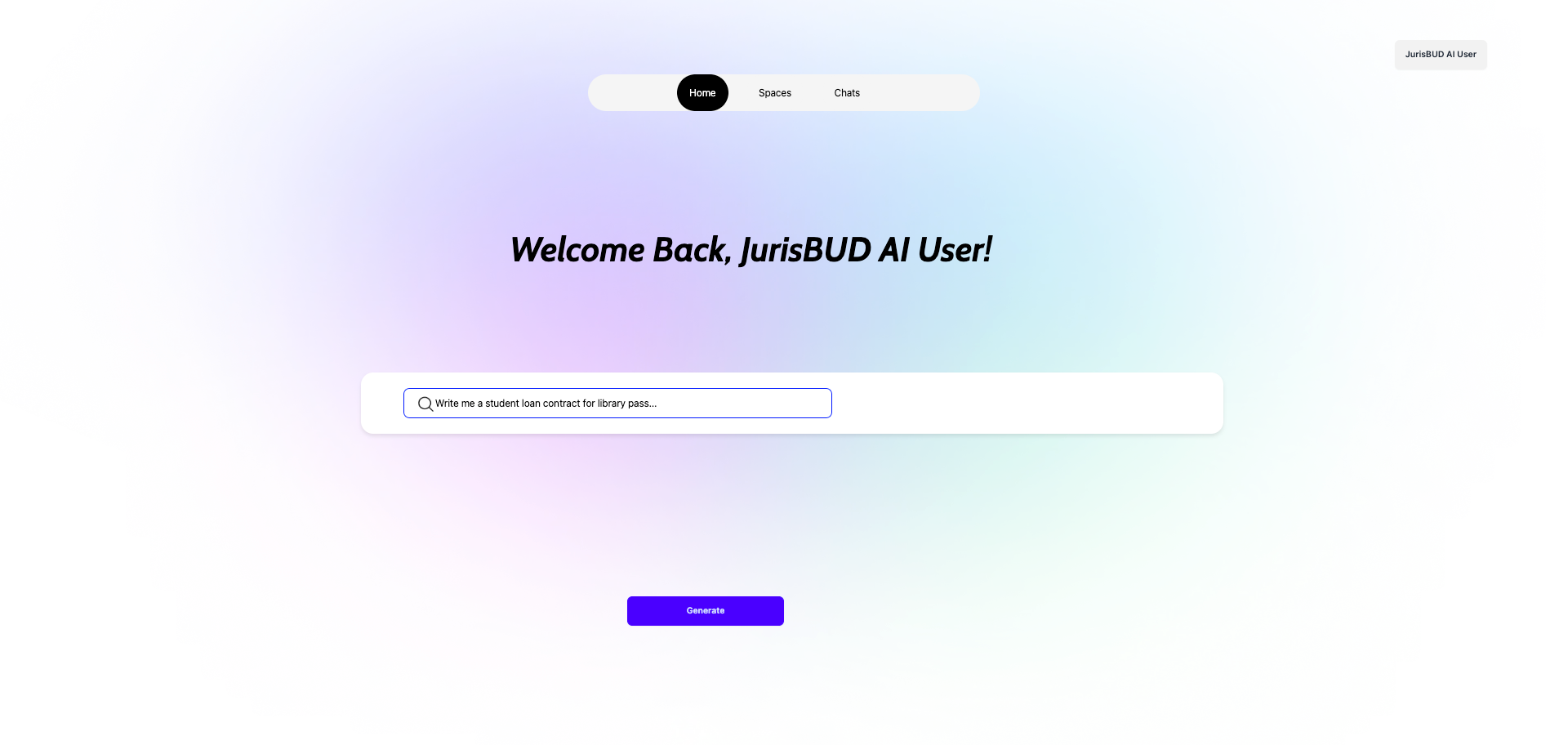
2. Now the Homepage is there! Let's move to the workflow.
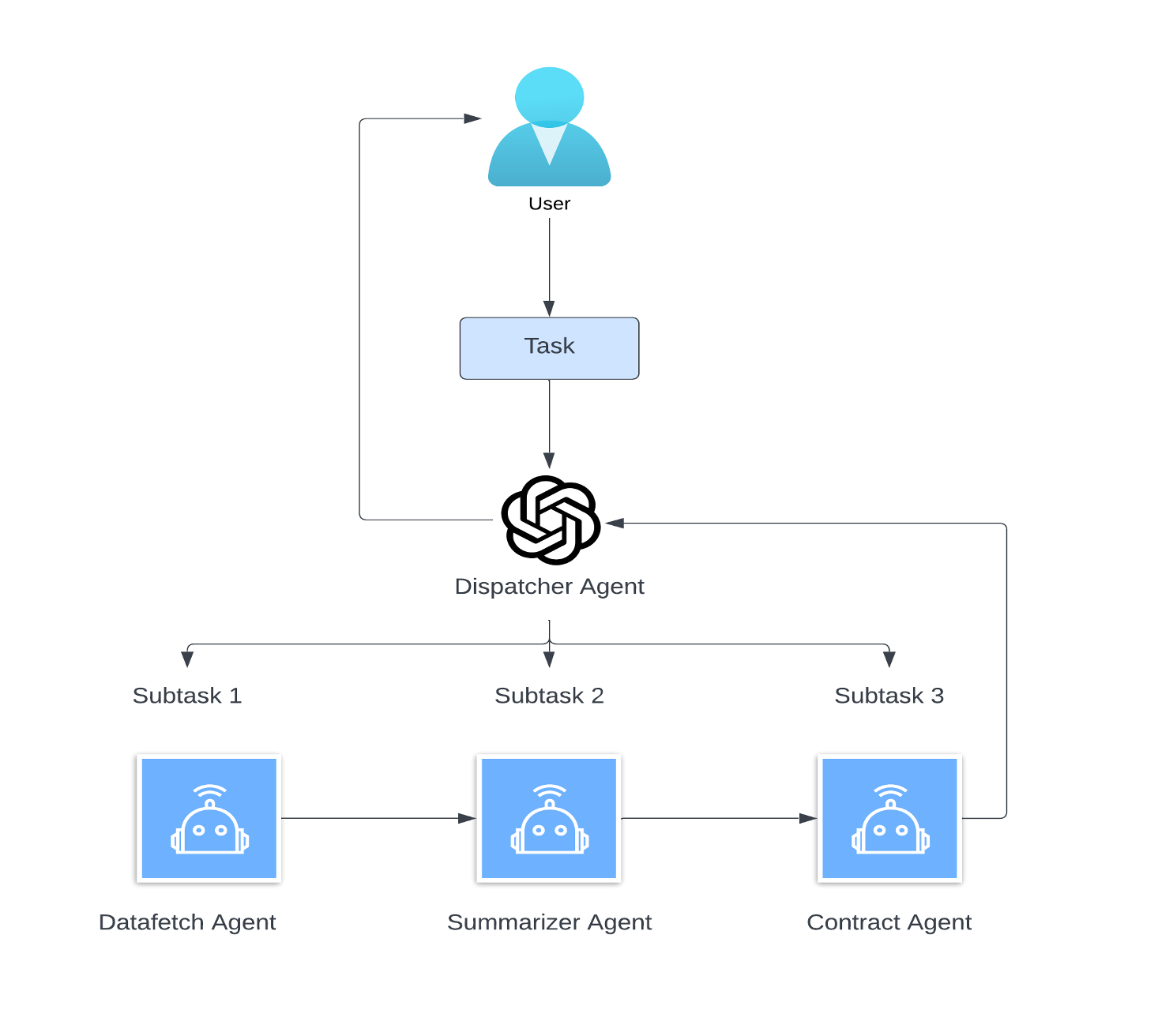
3. For how to generate a chat: type in your query in the input field then click 'Generate' to let AI agents start to work!
4. Now you will be able to see a list of generated tasks, after checking everything up click the arrow button to continue.
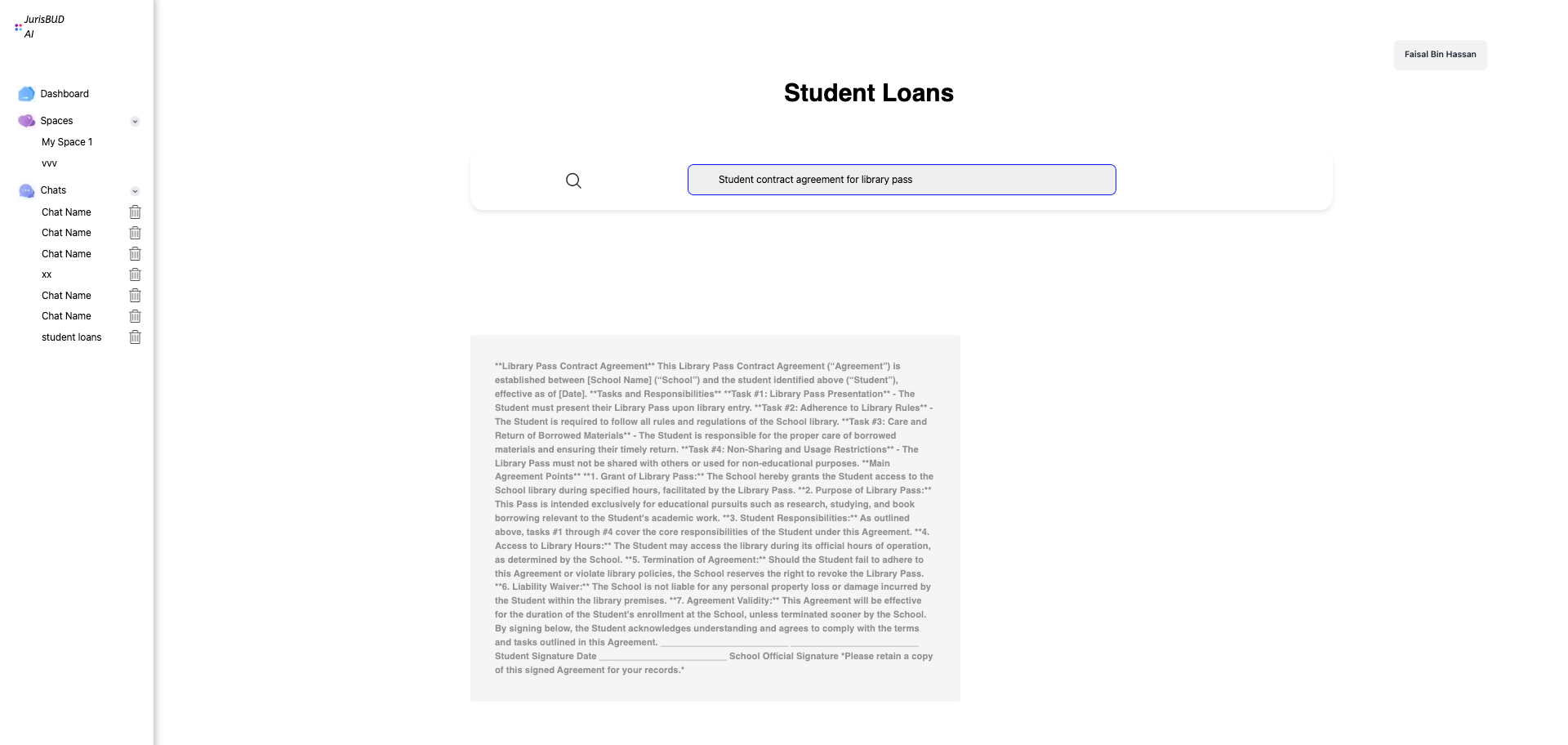
5. The chat is now gnereated, you can see the response now in the center of the page, click 'Download' if you want to export it as a pdf.
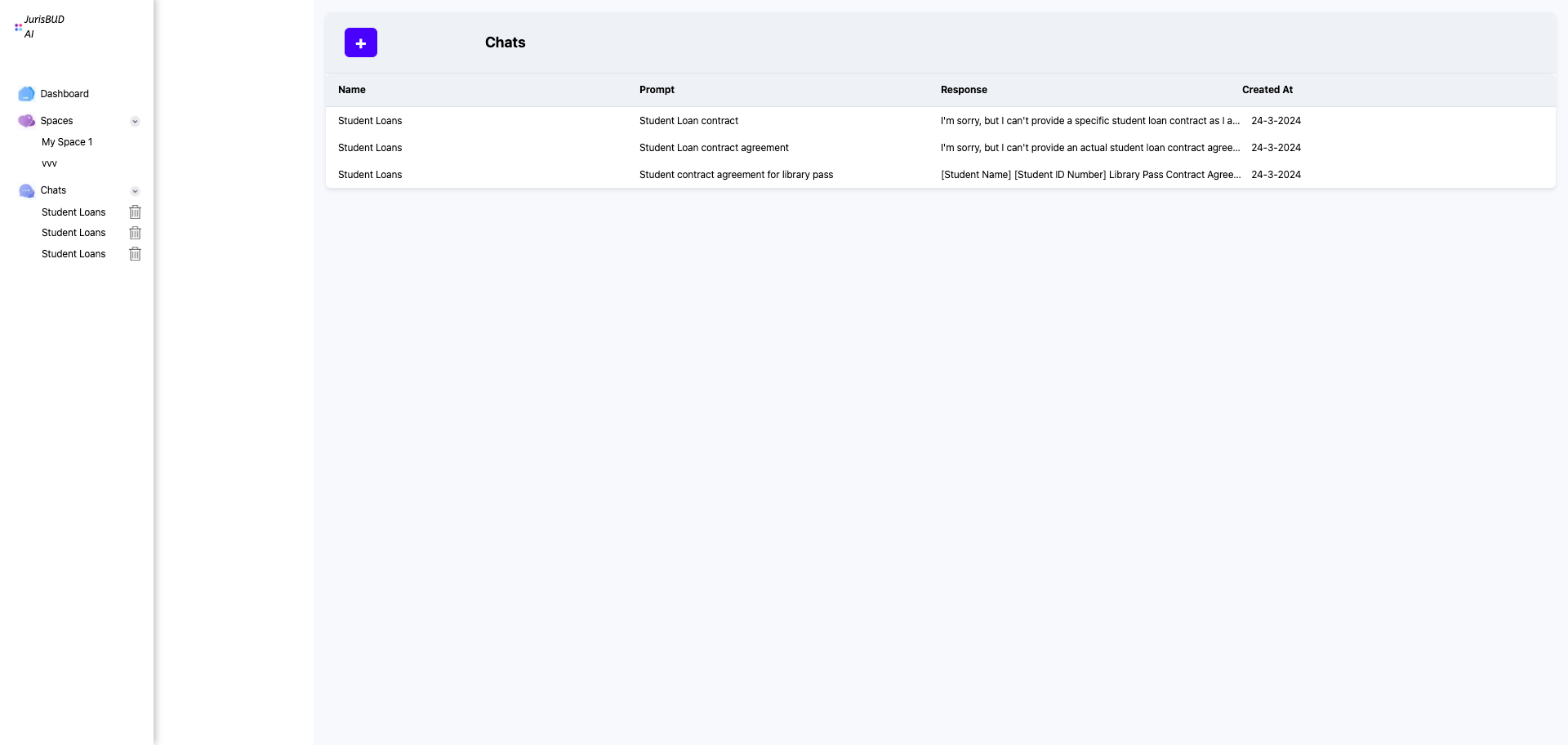
6. Back to Homepage, let's click on the chat tab. It shows a list of all the chats you have generated before, click on them to have a review.
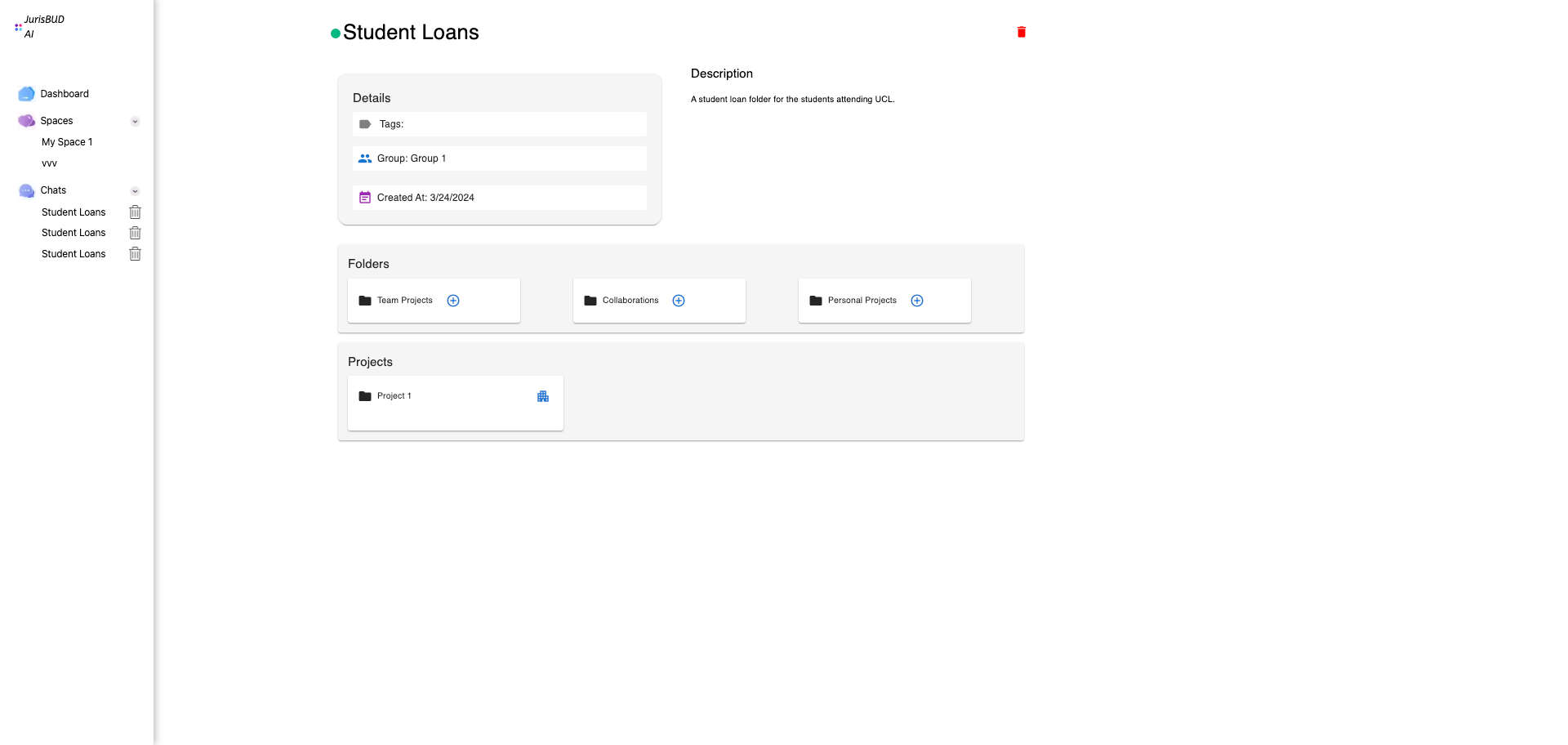
7. Back to Homepage again, we can dig into the Space tab, which provide a place for you to categorize your chats.
Here's also a user flow diagram for you reference