UI Design
Home → UI Design
Design Principles
User Centred Design
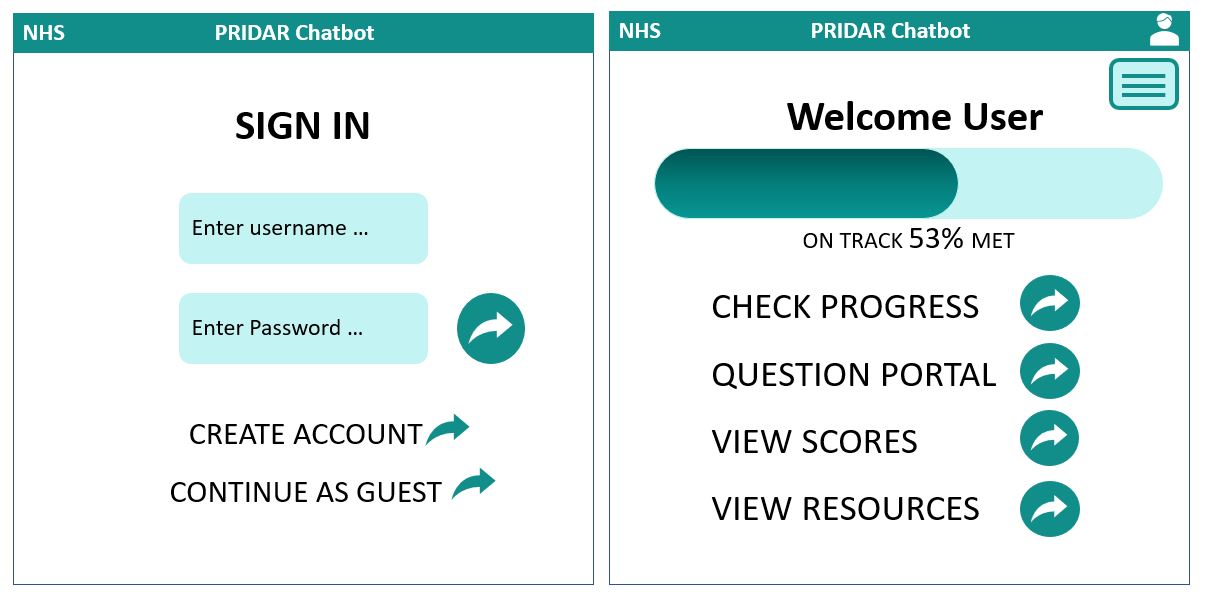
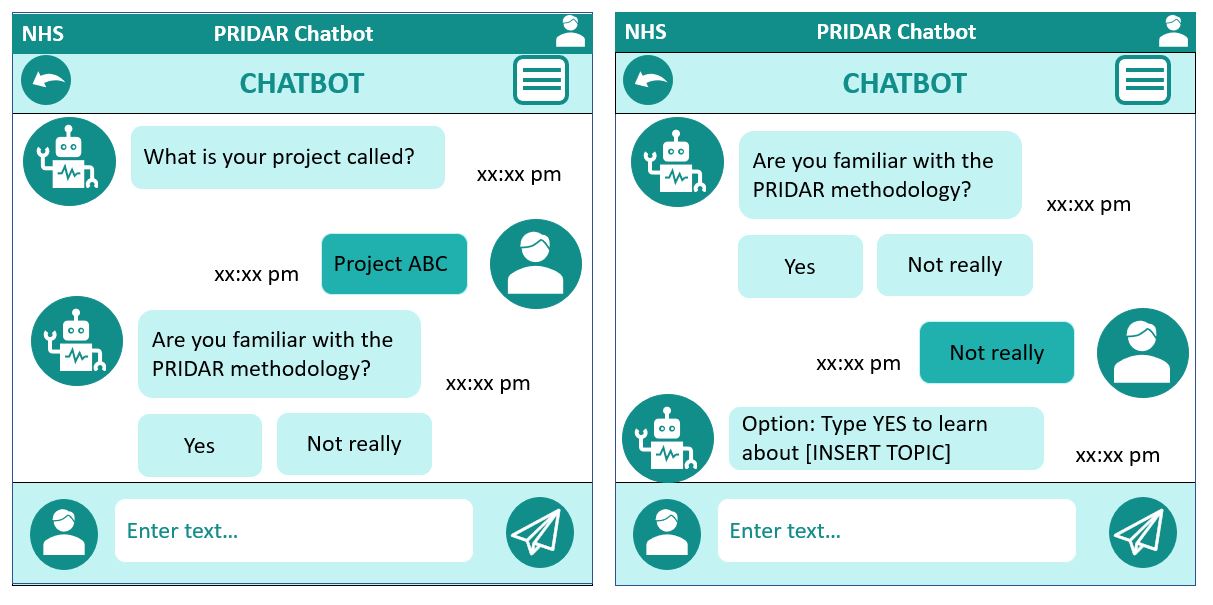
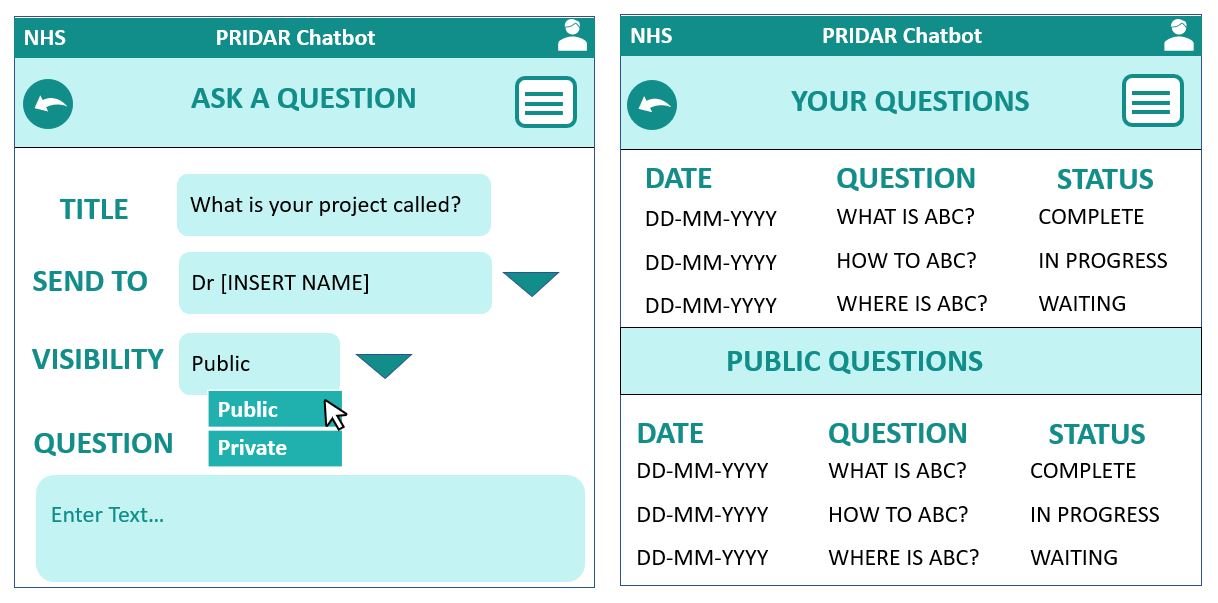
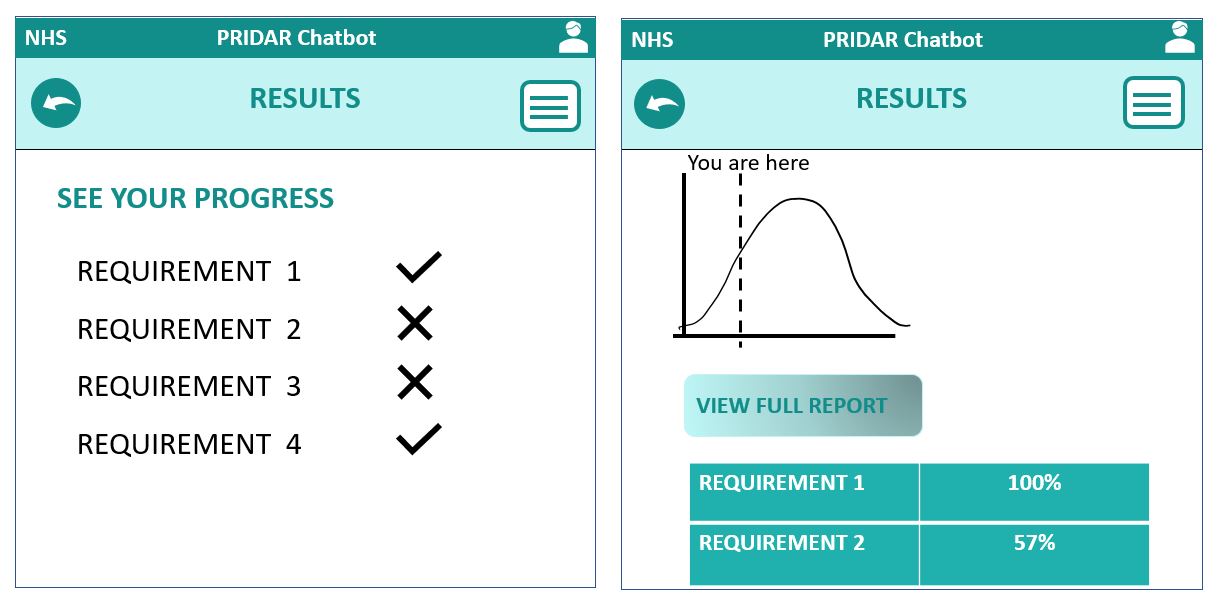
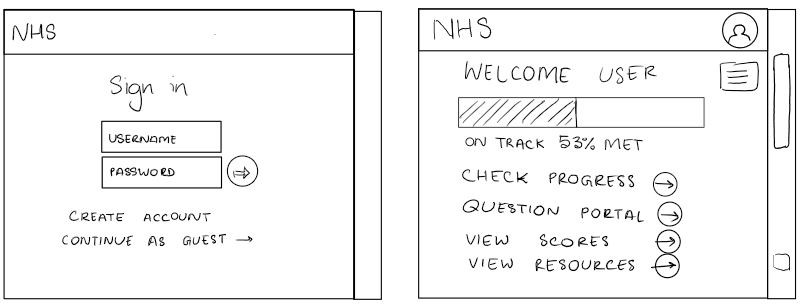
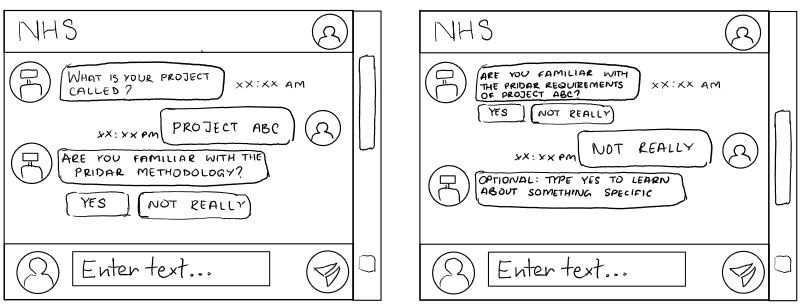
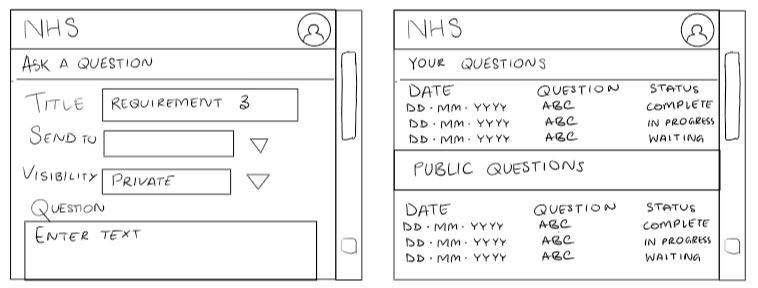
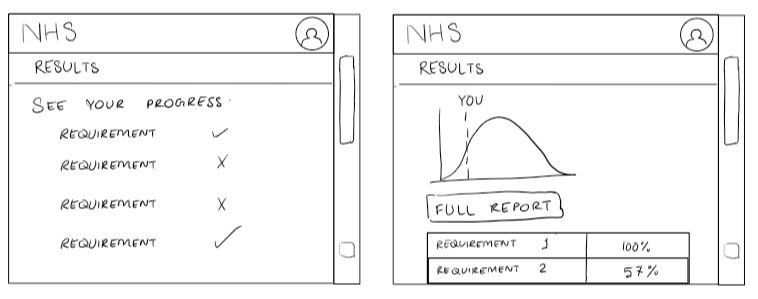
Our aim was to ensure a smooth user experience when using our application. Using a User Centred Design, by getting feedback from potential users we were able to agree to which sketches were suitable for the 'chatbot interface'.
Simplicity
Our aim was to develop a simple user interface to follow. An ideal user interface should be simple and elegant.
Consistency
Consistency creates familiarity, and familiar interfaces are naturally more usable. A consistent design is predictable. Predictable design means it’s easy to understand how to use functions without instruction. Not only should UI design be consistent internally, but externally as well.
Dialogs should results closure
Actions should have a beginning, middle, and end (with feedback at each step). At the end of a test, users should be able to submit and view test scores.
Reduce Cognitive Load
User Interfaces serve to reduce cognititve load for users. We want user to be able to use our application without inducing cognititve load, without the need 'to think', when navigating through the programme. There are a few common ways to reduce cognitive load:
Remember the 3-click rule – it shouldn’t take more than three clicks to find any information
Minimize recall in favor of recognition – common images and icons in context help users identify functionality
Group actions and information – Most people can handle seven-plus-or-minus two chunks of information when processing it
Prototype
After finalising the sketches, we began working on the prototype based on the user requirements and chosen sketches. With a clear direction based on user feedback and an iterative design process, we built up a prototype to explore how feasible our design was. This process allowed us to more thoroughly examine the usability of our design, and upon receiving feedback from users discovered that they would prefer.
Click on the images to expand: